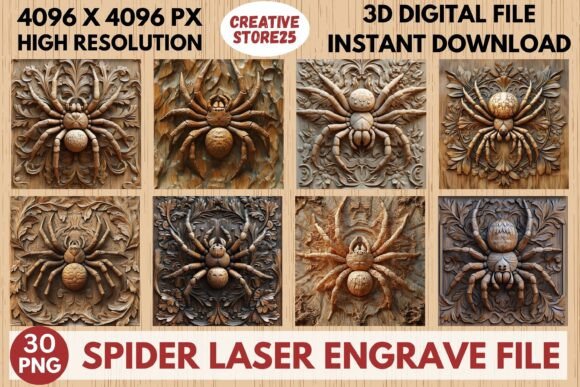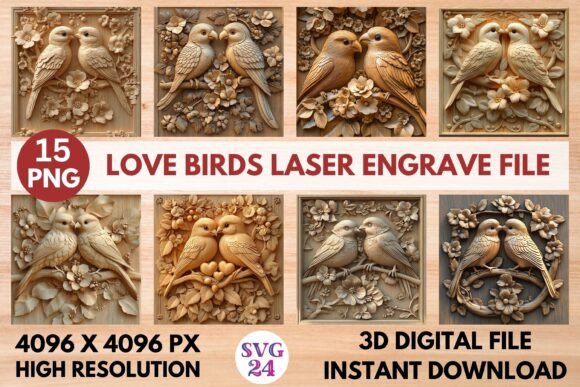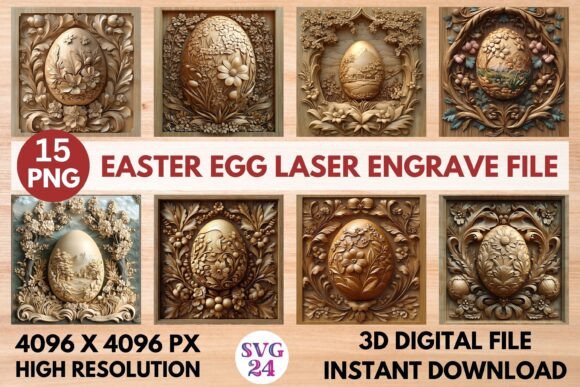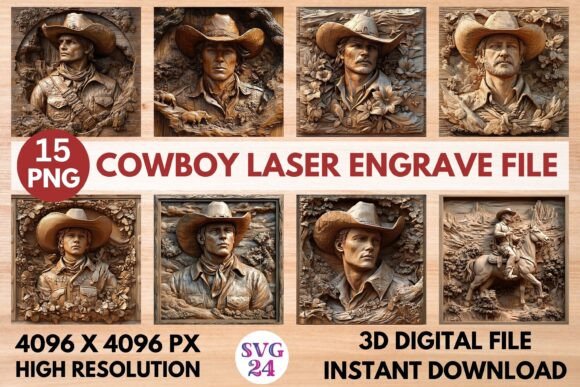
Penguin Laser Engrave File for Creative Projects
Unlock a world of design possibilities with the Penguin Laser Engrave File, a versatile digital asset that brings charm and character to any project. Whether you're an experienced designer or just starting out, this high-quality engrave file offers the perfect foundation for transforming everyday items into unique creations. With its intricate details and adaptability across multiple materials and formats, it's a go-to resource for those looking to add a touch of whimsy and sophistication to their work.
What Is Included in the Penguin Laser Engrave File?
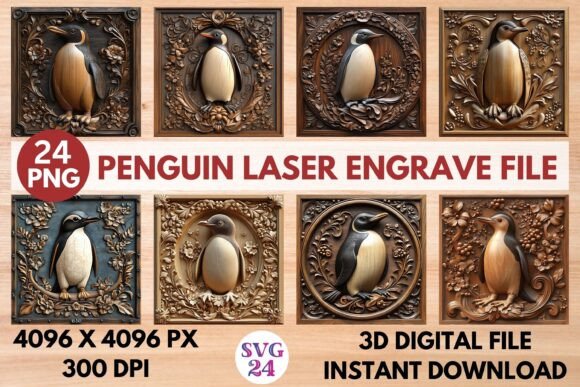
The Penguin Laser Engrave File is more than just one design—it’s a complete set of ready-to-use PNG images tailored for laser engraving. After purchase, you'll receive a zip file containing:
- 12 Color PNGs at a resolution of 4096X4096 pixels and 300dpi
- 12 Black & White PNGs in the same high-resolution format
- All files feature a transparent background, making them easy to integrate into various projects
While these files are not editable, they are designed to be resized as needed. Keep in mind that resizing should be done carefully to maintain clarity and quality when applied to different products.
Why Choose This Design Set?
What makes the Penguin Laser Engrave File stand out is its blend of simplicity and elegance. The penguin motif is universally appealing, yet it can be interpreted in countless ways depending on your creative vision. From playful stationery to sophisticated home decor, these designs offer something for everyone. Their high resolution ensures crisp results on both large and small surfaces, while the transparent background allows for seamless integration into any layout or material.
Creative Uses Across Industries
Laser engraving has become a popular method for personalizing and branding products across many fields. The Penguin Laser Engrave File fits right into this trend by offering a clean, recognizable image that can be adapted to suit a wide range of applications. Here are just a few industries where this file shines:
Home Decor
Imagine adding a penguin motif to wooden picture frames, coasters, or decorative signs. These designs can bring a subtle sense of fun and warmth to furniture or wall art. For example, engraving a penguin pattern onto a wooden tray could make it a standout piece for displaying keys, jewelry, or coffee mugs. You can also use it on glassware or ceramics for a modern twist on classic tableware.
Woodworking and Craft Projects
Woodworkers and DIY enthusiasts will appreciate how easily these files can be used for custom engravings. Think engraved cutting boards, personalized boxes, or even pet tags shaped like penguins. The high detail of the PNGs ensures that each line and curve comes through clearly, resulting in professional-looking finishes without the need for complex tools or software.
Stationery and Textiles
In the realm of paper goods, the penguin design can be used for greeting cards, journal covers, or custom packaging. Its versatility means it works well whether you want to keep things minimalistic or add pops of color. On textiles, consider using it for fabric markers, heat transfers, or embroidered patches—perfect for creating custom clothing or accessories that stand out.
Tableware and Packaging
Customized tableware adds a personal touch to events, restaurants, or home use. Engraved mugs, plates, or spoons featuring penguins can make thoughtful gifts or branded items. Similarly, the designs can enhance packaging for retail products, giving them a unique identity that resonates with customers. A simple penguin logo on a gift box or product sleeve can elevate the overall aesthetic and suggest a sense of style and attention to detail.
Adapting the Designs for Different Audiences and Goals
One of the best aspects of the Penguin Laser Engrave File is how adaptable it is for various audiences and purposes. A bold black-and-white version might appeal to a minimalist audience, while a vibrant color option could attract a younger demographic or align with seasonal themes. Below are some ideas for tailoring the design to specific goals:
For Entrepreneurs and Small Businesses
Use the penguin motif to brand your products. It can be subtly incorporated into logos, labels, or promotional materials. For instance, if you run a boutique selling eco-friendly products, a penguin design might symbolize conservation and cuteness—both powerful brand attributes. Just ensure the sizing and placement fit your branding strategy and target market’s preferences.
For Educators and Hobbyists
Teachers and hobbyists can use these designs in classroom projects or personal crafts. Engraving penguins onto wooden plaques or bookmarks can inspire students to explore creativity and design thinking. At the same time, it’s a great way to create consistent themes across a collection of student work or handmade gifts.
For Marketers and Bloggers
If you’re creating content around lifestyle, fashion, or homeware, the penguin designs can serve as visual anchors. Use them in blog headers, social media posts, or printable templates. They help reinforce a cohesive look across your platforms and can even be used to create downloadable printables for your audience—like penguin-themed planners or calendars.
Practical Tips for Using the Penguin Laser Engrave File
To get the most out of your Penguin Laser Engrave File, here are a few tips to keep in mind:
- Understand Your Material: Each material reacts differently to laser engraving. Test the design on a sample before engraving the final product to ensure optimal depth and clarity.
- Resize Carefully: Since the files are not editable, avoid stretching or distorting them. If you need a specific size, resize proportionally using image editing software like Photoshop or GIMP.
- Choose the Right Format: Select between color or black-and-white versions based on your project needs. Black-and-white designs often yield better contrast on darker materials, while color options pop on lighter ones.
- Consider Placement: Think about how the penguin design interacts with the shape and function of your product. A centered placement may work for mugs, but for a cutting board, you might prefer a border or corner design to avoid interfering with usability.
Design Inspiration and Ideas
Here are a few project concepts to spark your imagination with the Penguin Laser Engrave File:
- Fashion Prints: Create trendy apparel by laser-cutting penguin patterns into fabric or leather. Ideal for tote bags, wallets, or even shoes.
- Wooden Ornaments: Engrave penguins onto wooden Christmas ornaments or year-round decorations for a charming, handcrafted feel.
- Custom Candles: Add a penguin design to candle holders or directly onto candles made from resin or soy wax for a festive touch.
- Gift Tags and Wrapping: Use the transparent PNGs to design gift tags or wrapping paper inserts that complement the gift itself.
- Personalized Tech Accessories: Engrave penguins onto phone cases, laptop sleeves, or USB drives for tech-savvy clients or friends.
Combining with Other Elements
Don’t limit yourself to standalone engravings. Try combining the penguin design with other motifs such as snowflakes, icebergs, or geometric shapes to build a full winter or nature theme. Layering it with text—like “Stay Cool” or “Chill Out”—can turn it into a meaningful message or slogan. These combinations allow for more dynamic and engaging designs that reflect your personal or brand style.
Making the Most of Transparency and Clarity
Thanks to the transparent background, the Penguin Laser Engrave File integrates smoothly into layered designs or complex layouts. This feature is especially useful when working with textured materials or when the design needs to sit atop another pattern. When preparing for engraving, always double-check the alignment and layer order in your design software to ensure nothing gets lost in translation during the laser process.
Where to Start: Tools and Workflow
To begin using the Penguin Laser Engrave File, you’ll need access to a laser engraver and appropriate design software. Programs like Adobe Illustrator, CorelDRAW, or Inkscape are excellent for placing and adjusting PNGs. Make sure your laser settings are calibrated correctly for the chosen material—wood typically requires a lower power setting than acrylic, for example.
Your workflow might look like this:
- Extract the zip file after purchase
- Select the appropriate PNG (color or black/white)
- Open in design software and adjust size accordingly
- Export as a compatible format for your laser machine
- Run test cuts or engravings before final production
Conclusion
The Penguin Laser Engrave File is a valuable addition to any creative toolkit. Its high resolution, transparent background, and dual-color options give you the flexibility to experiment and innovate across a broad spectrum of projects. Whether you're crafting for a client, designing for your own brand, or simply enjoying a weekend DIY project, these files provide a solid base for bringing your ideas to life. So grab your engraver and let the penguin-inspired creativity flow!